Ten features, one release
Our biggest release yet. Ten new capabilities, shipped together, in the order we demoed them. All ten are live now.
Other changes
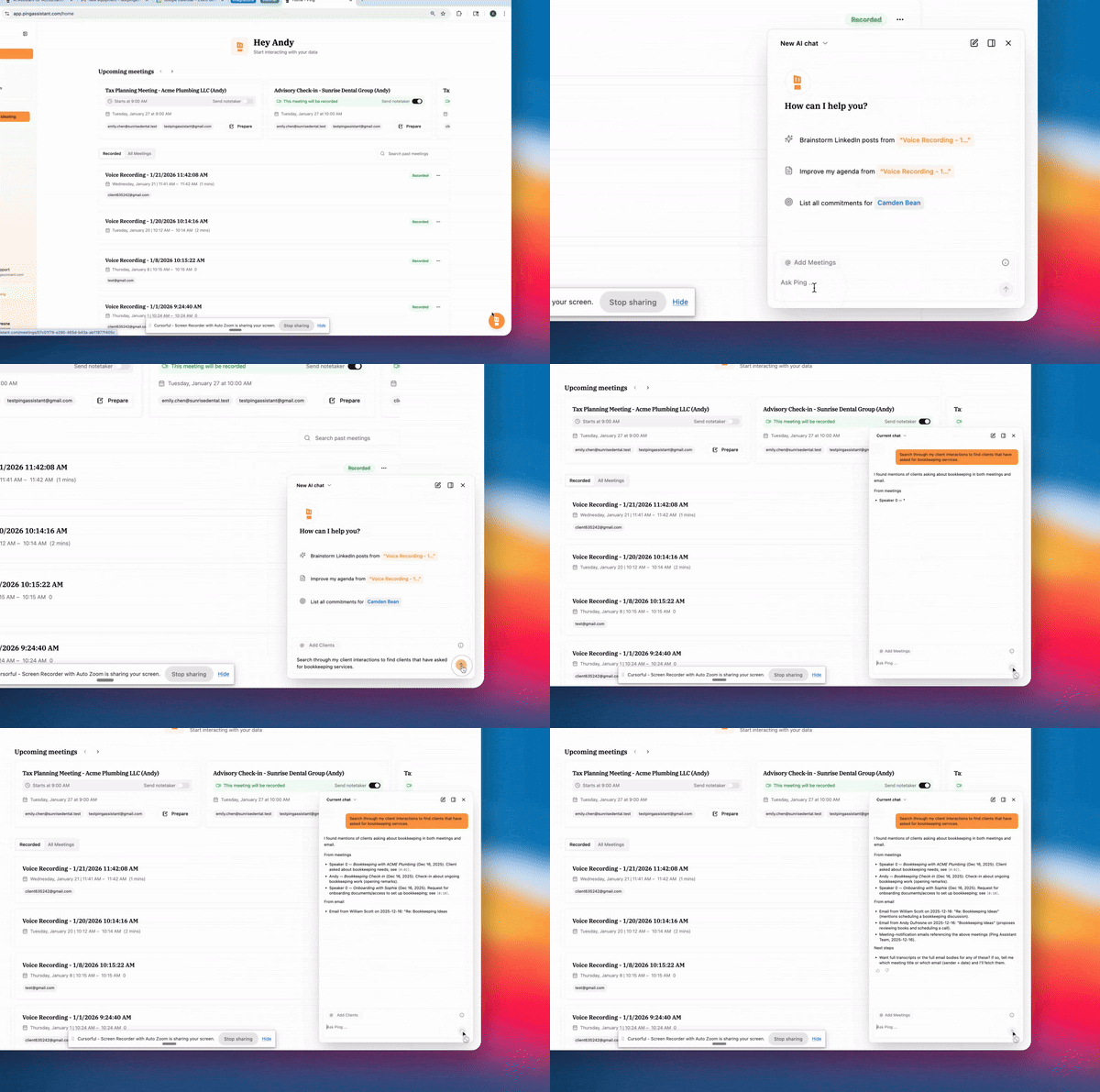
- MCP: Connect Ping to Claude, and to any other tool that speaks MCP, so your client context is available wherever you already work. Claude can search your meetings, transcripts, clients, and emails directly, which means you can plan, draft, and dig through history without opening Ping at all. Setup is a few clicks and it stays connected.
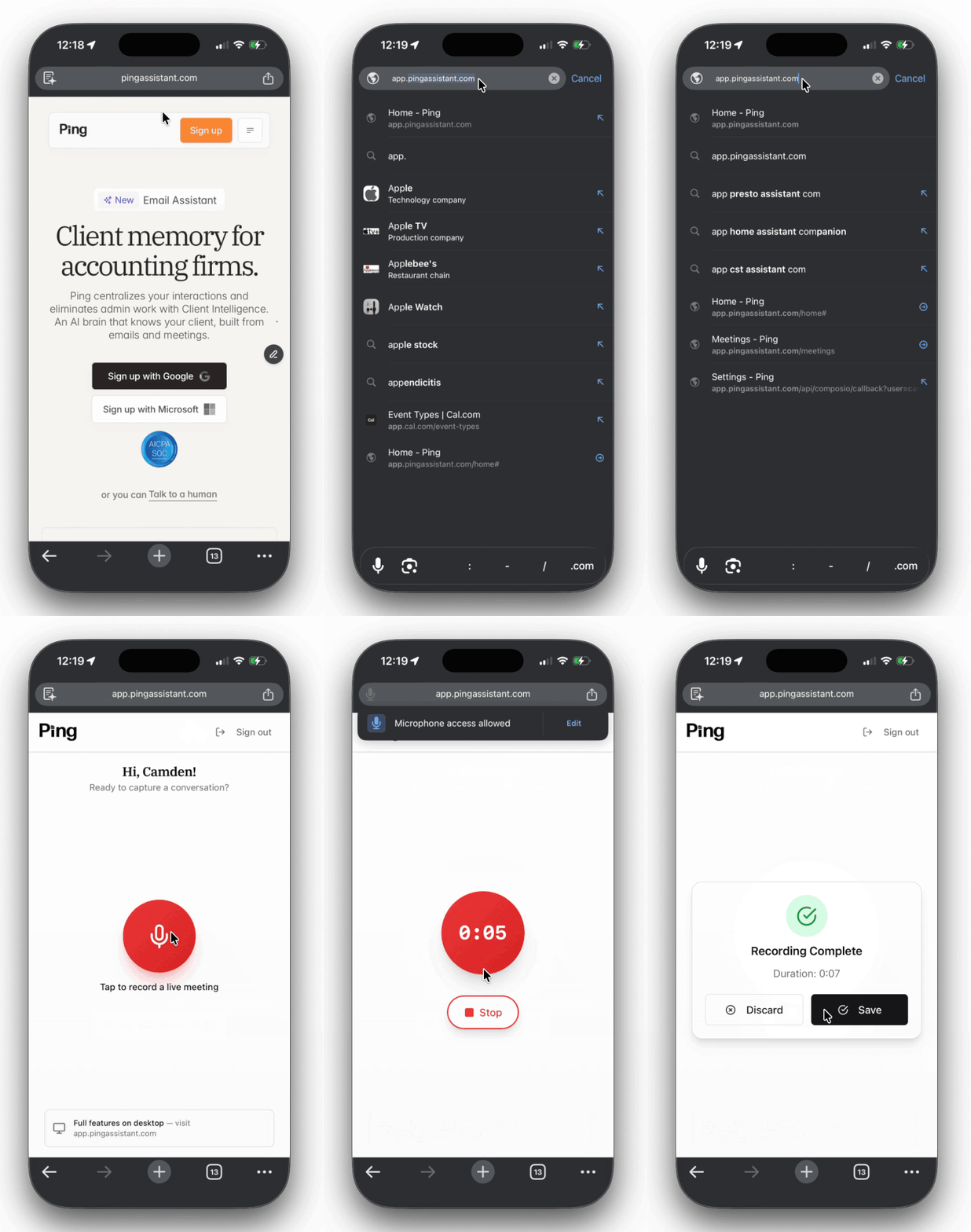
- Mobile app, iOS and Android: Record in-person meetings straight from your phone. Recordings upload automatically instead of running through a finicky mobile browser, so the client lunch and the drop-in at the office land in Ping like any other meeting. Ask Ping is built in too, so you can pull up what you owe a client from the car before you walk in. The first release is deliberately small, and more will follow now that the apps are through app store review.
- Client Health: A letter grade for every client, with the reasons behind it. Engagement is scored on firm outreach, client outreach, and how fast your team replies. Relationship signals pull the moments that matter out of meetings and emails, such as cancel intent, complaints about service quality, and pushback on value, and they surface the positive ones too, so leadership can step in early or give credit where a staffer is doing great work. Staff and client dashboards sit alongside it, showing who is carrying too much, which clients are quietly under-served, and where scope creep is building.
- Proposal decks: Ask Ping in chat to build a proposal deck for an opportunity and it drafts one from the client's own words, quoting what they asked for and mapping it to the service you offer. It builds against a template you upload, so it looks like your firm's deck rather than a generic one. Fast enough to share your screen and walk through it on the same call.
- Meeting Scheduler: Booking links that replace Calendly and Cal.com. Send availability, let the client pick, and skip the four-email thread. Because it lives in Ping, the email assistant now knows your real calendar and your meeting links, so it stops proposing times you aren't actually free.
- Guides: Record your screen once and Ping writes the SOP. It captures your clicks and screenshots as you work, then generates a labeled, step-by-step article you can edit, annotate, and share inside or outside the firm. It runs in the Ping desktop app rather than a browser extension, so it covers QuickBooks, Zoom settings, and every other app your process actually touches.
- Upsell detection: Ping listens for the moments clients tell you what they need, a cash flow worry, a new hire, a compliance deadline, and matches them against the services your firm actually offers. It sticks to your service menu, skips services the client already has, and gives you a review queue with the evidence attached, not an automated sales pitch.
- Botless notetaker: Record a meeting without a bot joining the call. It's an option, not a replacement: a bot is still the better choice when several people from your firm are on the same call, because botless recorders each capture their own partial version and Ping works best from one clean recording. Use whichever fits the meeting.
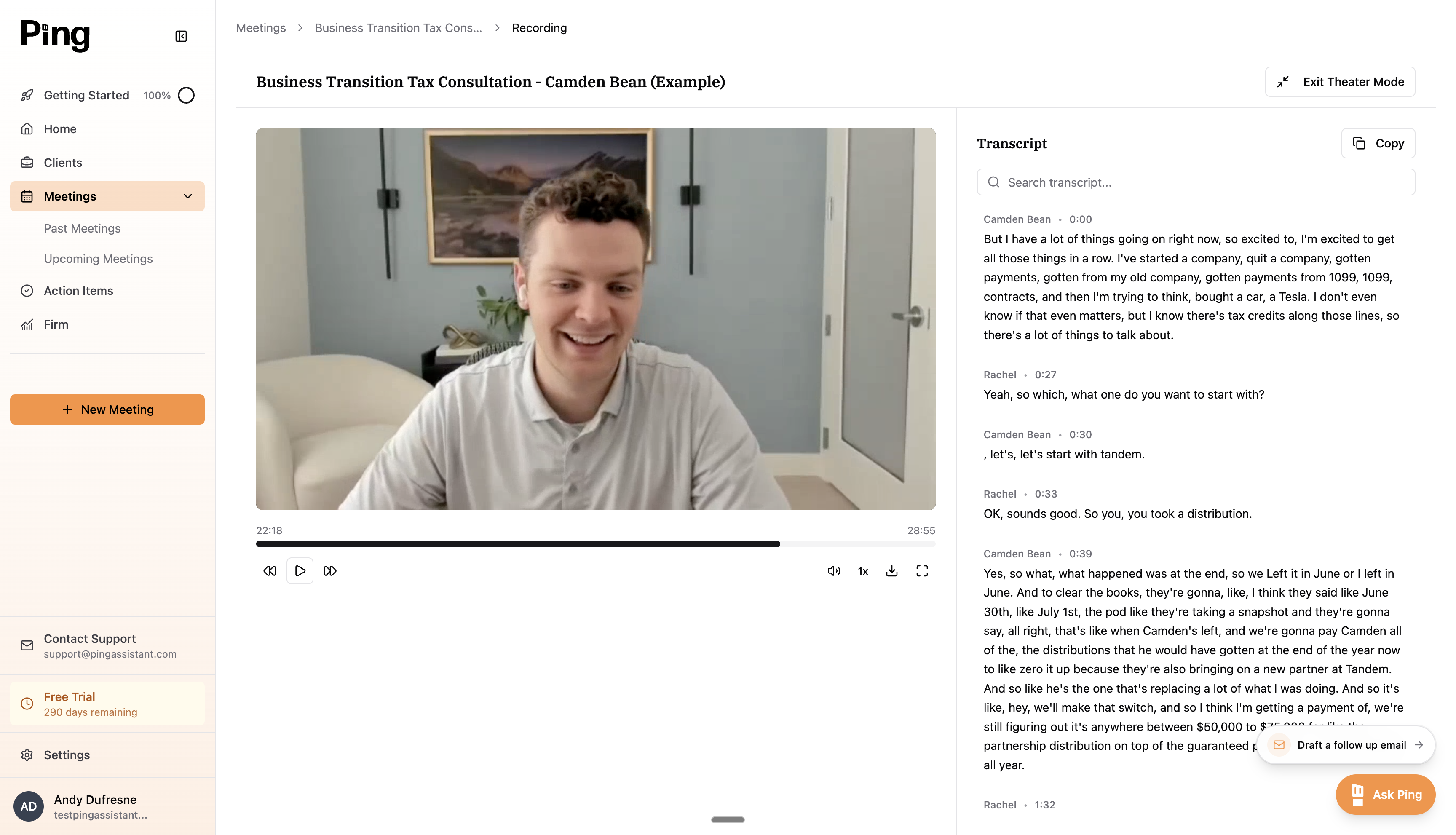
- Video messages: Record your face, your screen, or both, and send a short video instead of writing a long email. Editing tools let you trim the recording and strip out the ums, and finished videos embed on your website. A direct replacement for Loom.
- Proposal creation: When the client says yes, Ping turns the deck and the meeting context into a proposal in Anchor or Ignition, ready to send. The thing that kills deals is the week it takes to get around to writing it, and this closes that gap to minutes.