
Ping on your desktop
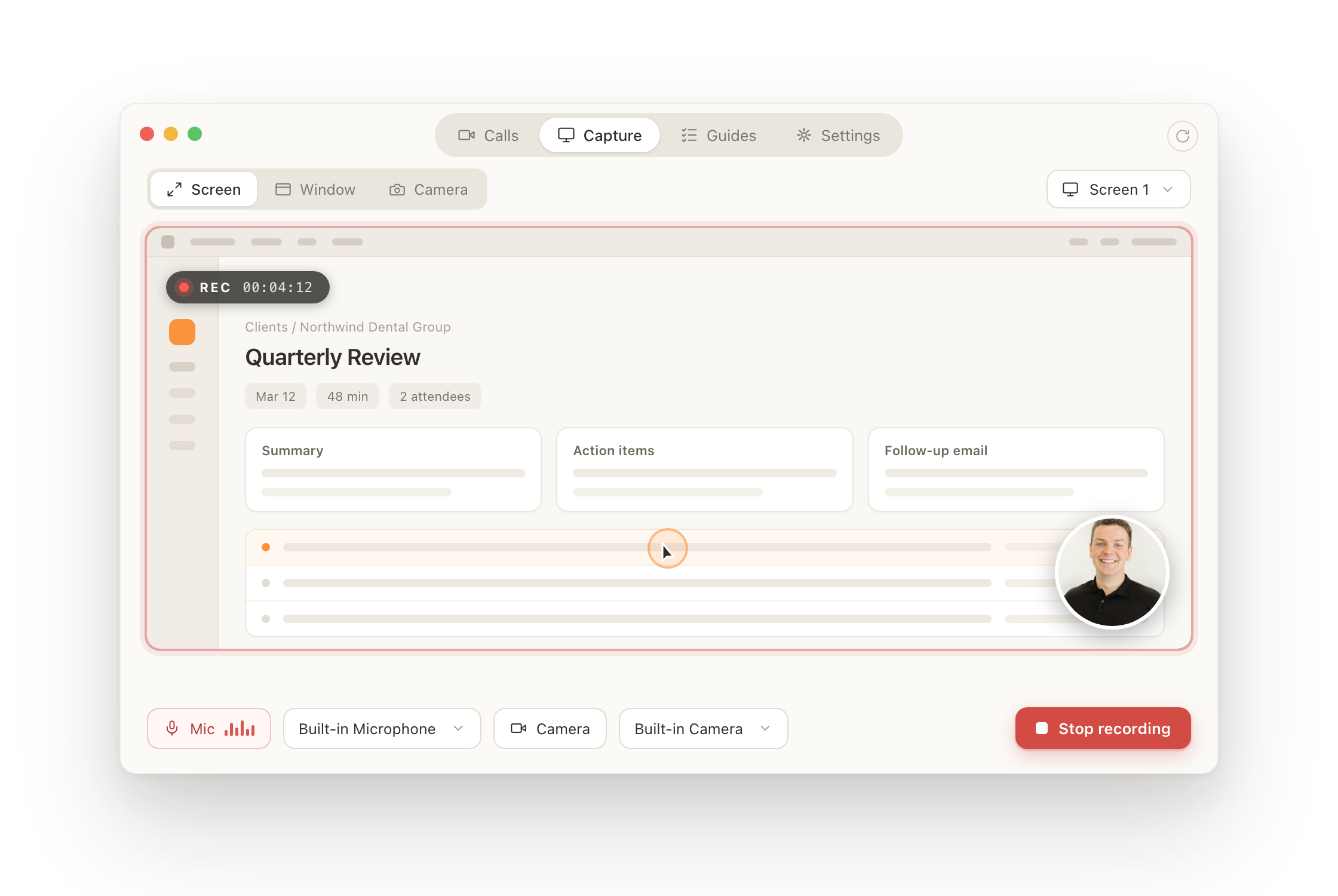
Record in-person meetings, calls, and screen shares. Every conversation lands in your Ping library, written up and ready, automatically.
Why the desktop app
Capture what the browser can't
In-person meetings
Sit across the table and hit record. Ping captures the room, no bot to invite, no link to send.
Calls and screen shares
Record any call or screen share on your machine, with system audio and your camera included.
It lands in your library
Every capture syncs to Ping and comes back as notes, action items, and a follow-up email.
Always current
Updates install themselves in the background on launch. Download the installer once and forget it.
Questions
- Does it update itself?
- Yes. The app checks for updates on launch and installs them in the background, so you only need to download the installer once.
- Which Macs are supported?
- Apple silicon Macs (M1 and newer) on macOS 12 Monterey or later. The build is signed and notarized by Apple.
- Which PCs are supported?
- 64-bit Windows 10 and Windows 11.
- Do I still need the web app?
- The desktop app is for capture. Your library, client dashboards, and search all live at app.pingassistant.com and stay in sync.
Trouble installing? Email [email protected]