Ping
Assistant Best note taker for accounting firms Notes, prep, and follow-ups, automatically. Email assistant Triage and drafts written in your voice. Meeting scheduler Booking links that sync to every client. Proposal creation Agent-drafted proposals from real context.
Firm Oversight Opportunity finder Surface upsell and cross-sell signals. Firm intelligence See how your firm and clients are really doing. Coaching & scorecards Scorecards, sentiment, and guides. Guides Your firm's best work, captured live and repeatable.
Tools & Automation AI workflows Automate the busywork end to end. Video messages Async video walkthroughs for clients. MCP server Plug your firm's context into any AI. Mobile & desktop apps Ping on your phone, Mac, and PC.
Client intelligenceIntegrationsPricingSecurity
Log in Sign up
Product
Best note taker for accounting firmsEmail assistantMeeting schedulerProposal creationOpportunity finderFirm intelligenceCoaching & scorecardsGuidesAI workflowsVideo messagesMCP serverMobile & desktop apps
Client intelligenceIntegrationsPricingSecurity
Log in Sign up free

Help Center

Home Meetings › Email Assistant › Ask Ping › Revenue Intelligence › Clients & Contacts › Action Items › Library › Meeting Scheduler › Getting Started › Account & Billing › Integrations › Troubleshooting › Reporting & Insights ›

Learn

Video library

Explore everything Ping can do

Short videos and guides for every feature. Find something new.

⌕

Meetings

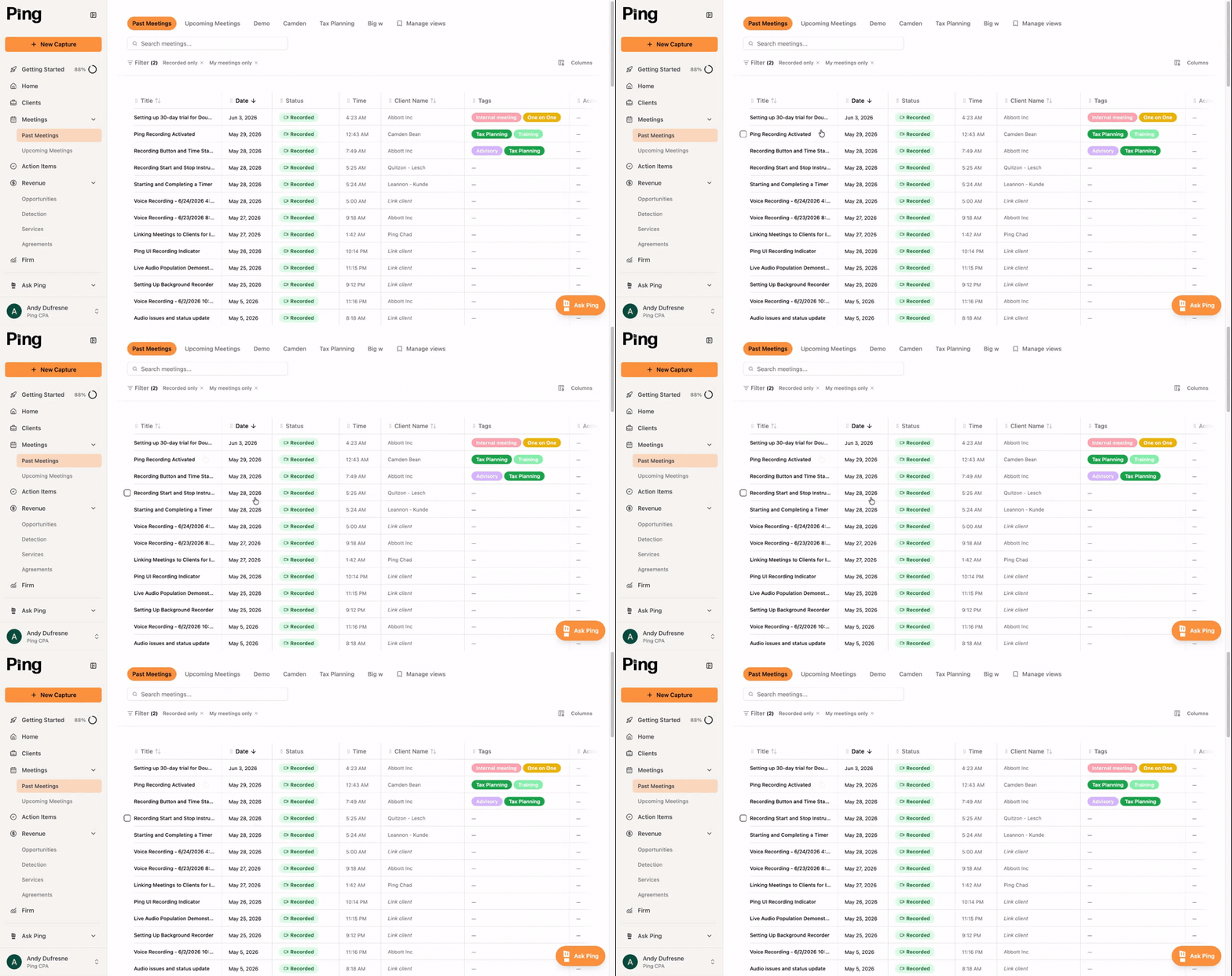
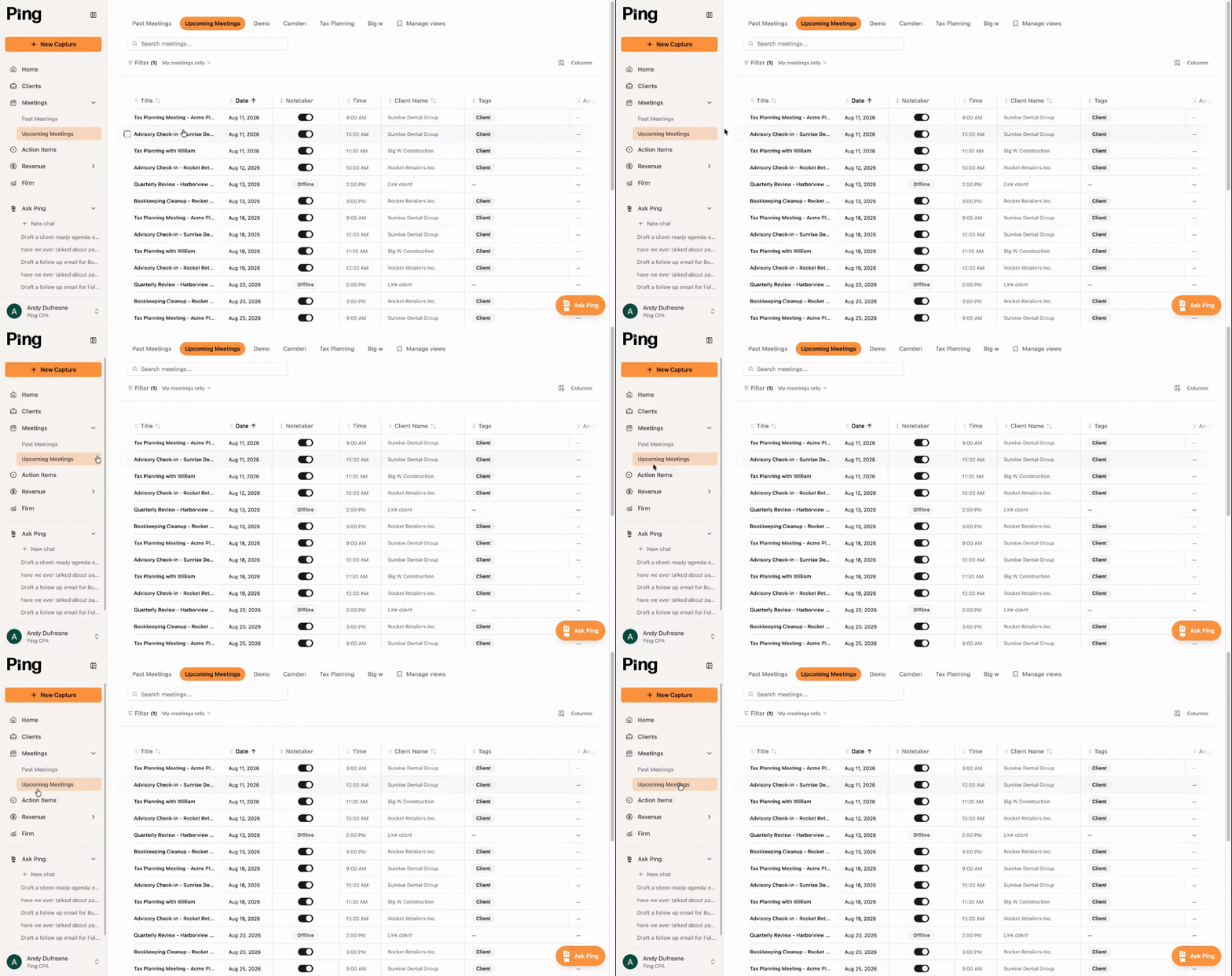
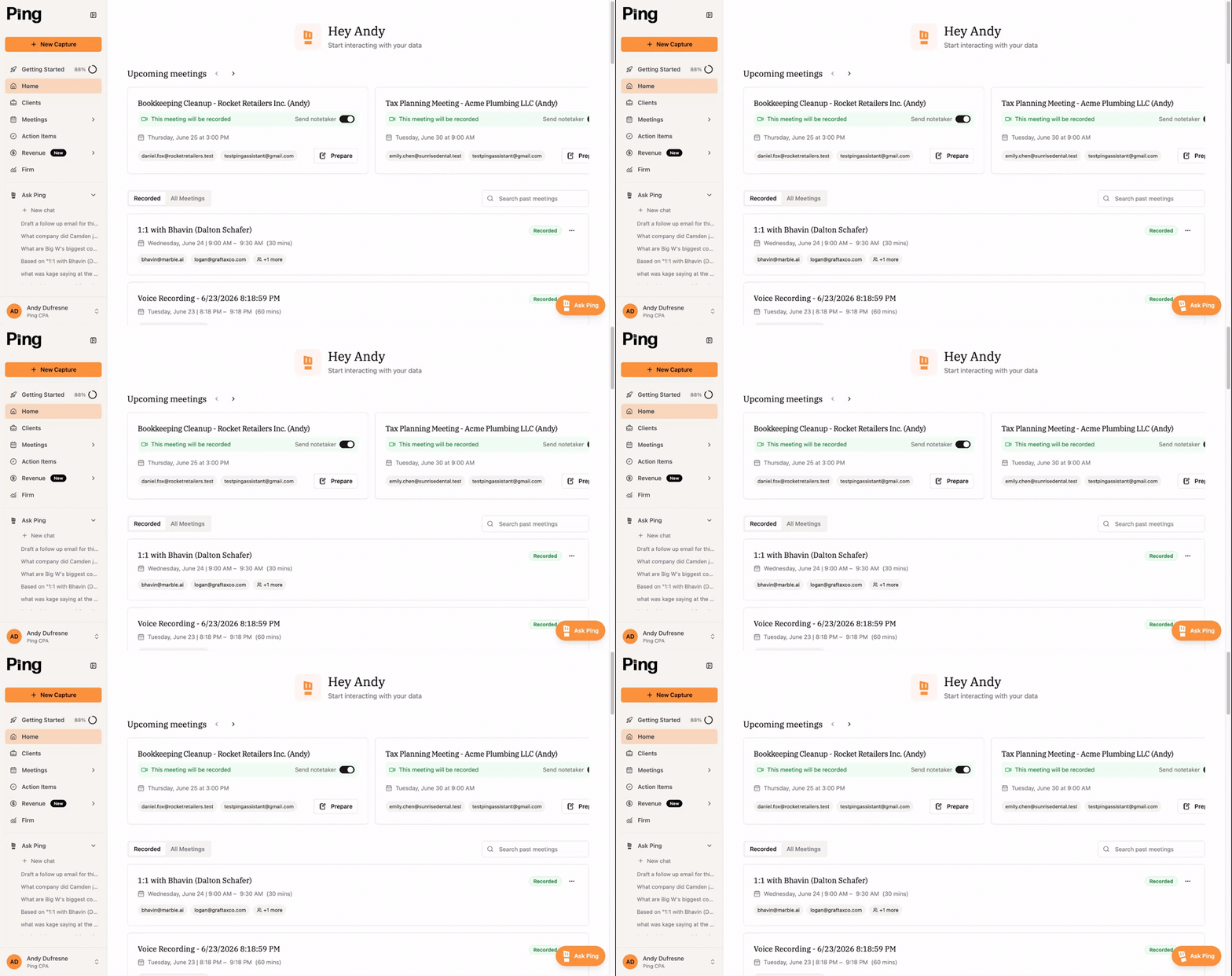
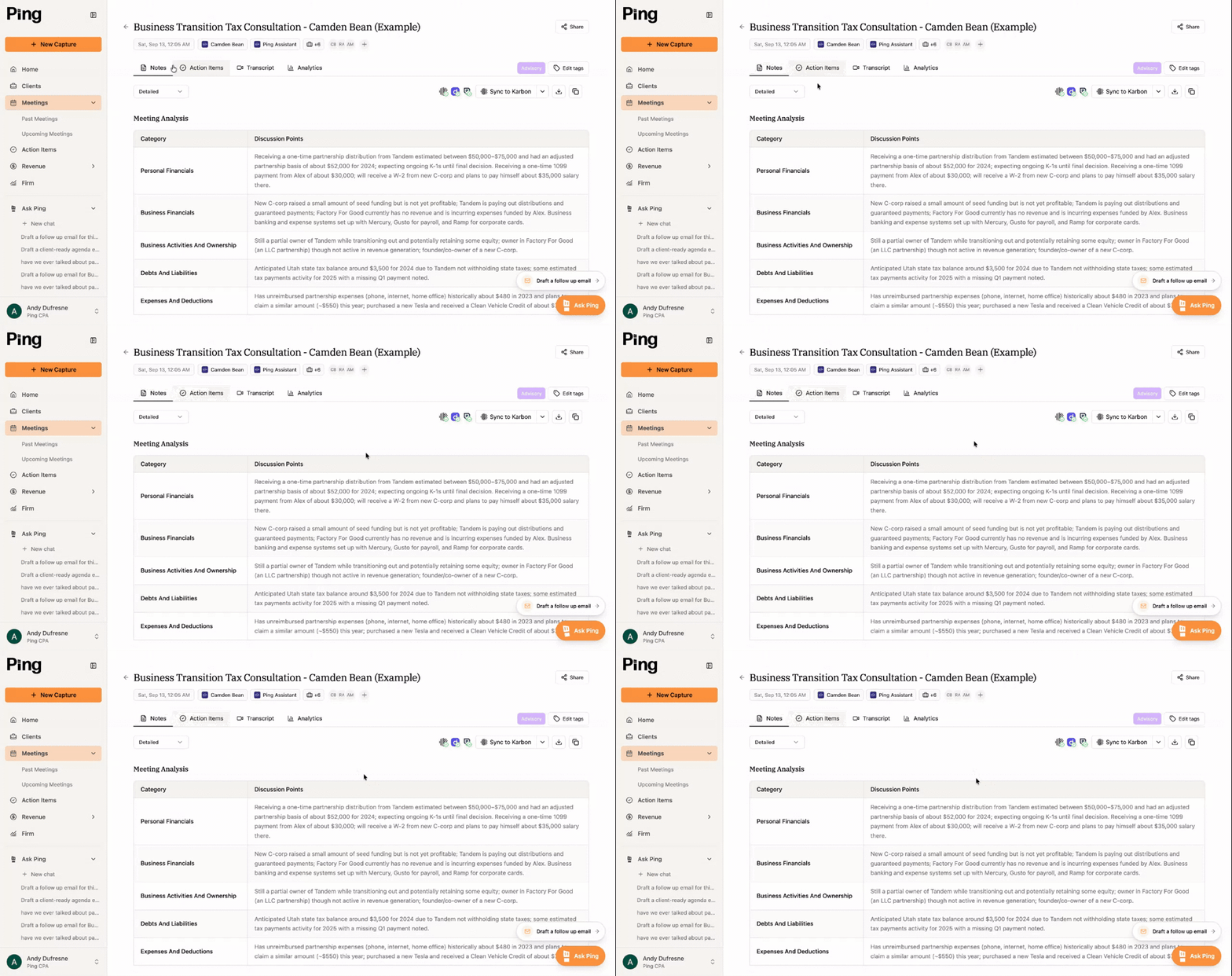
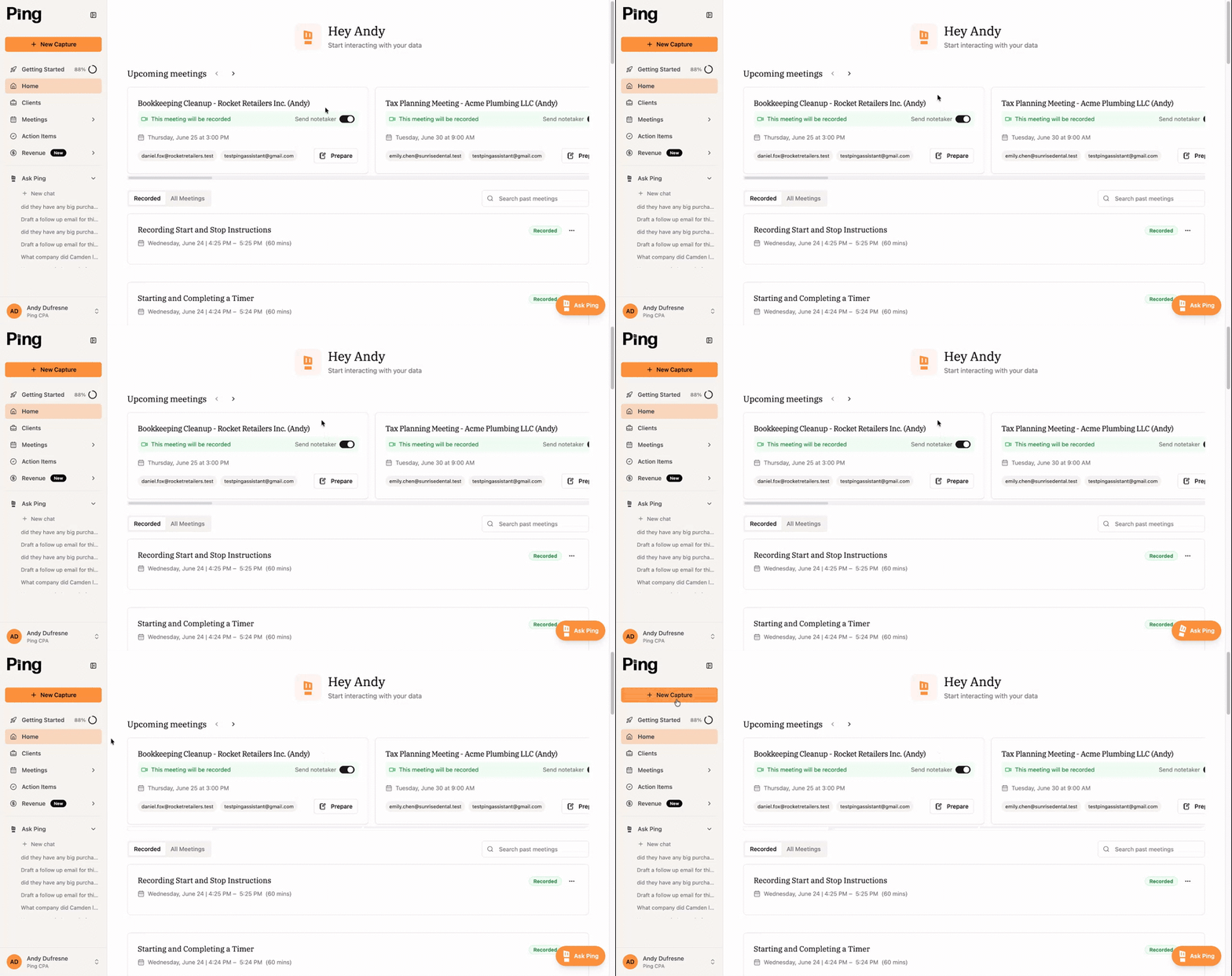
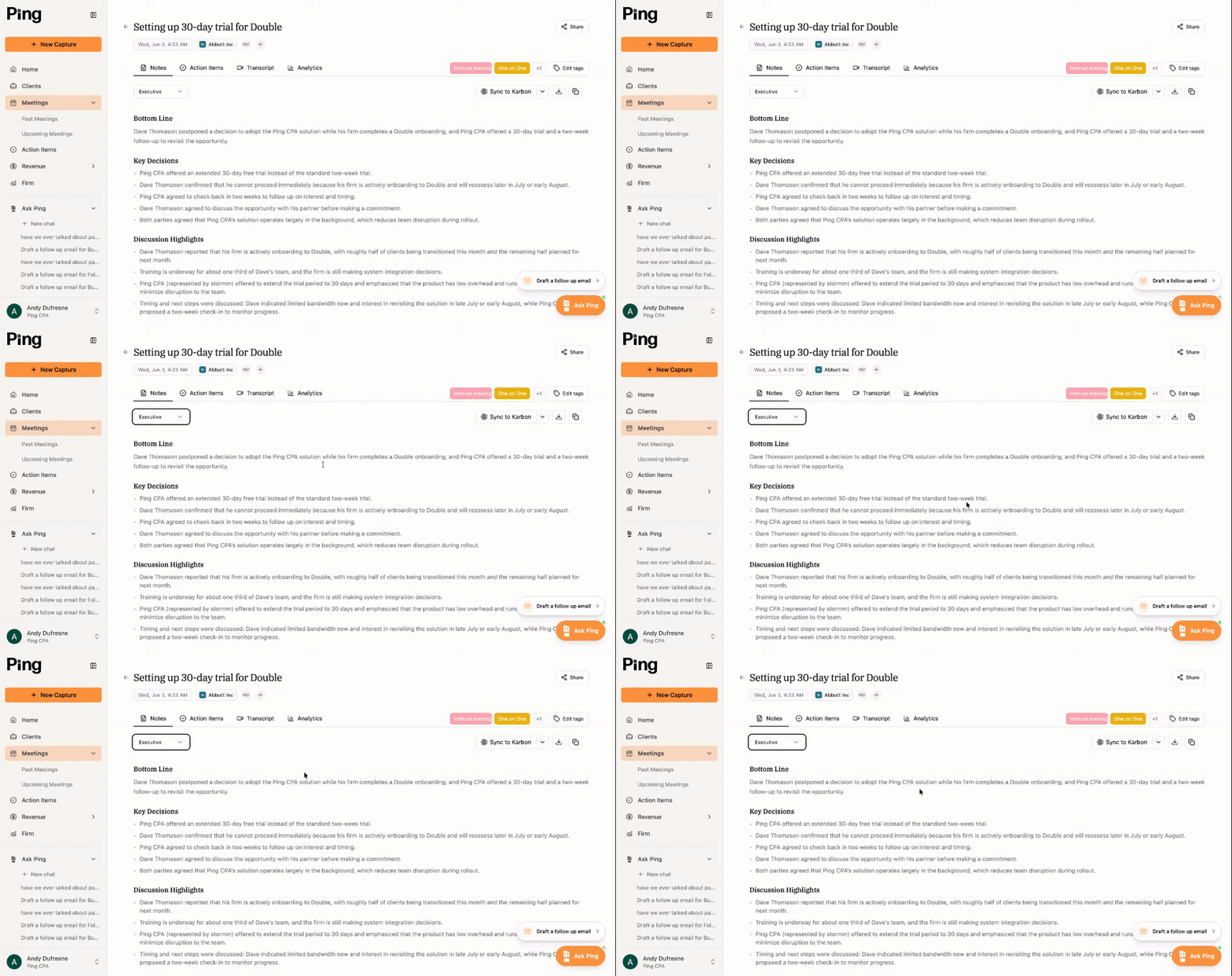
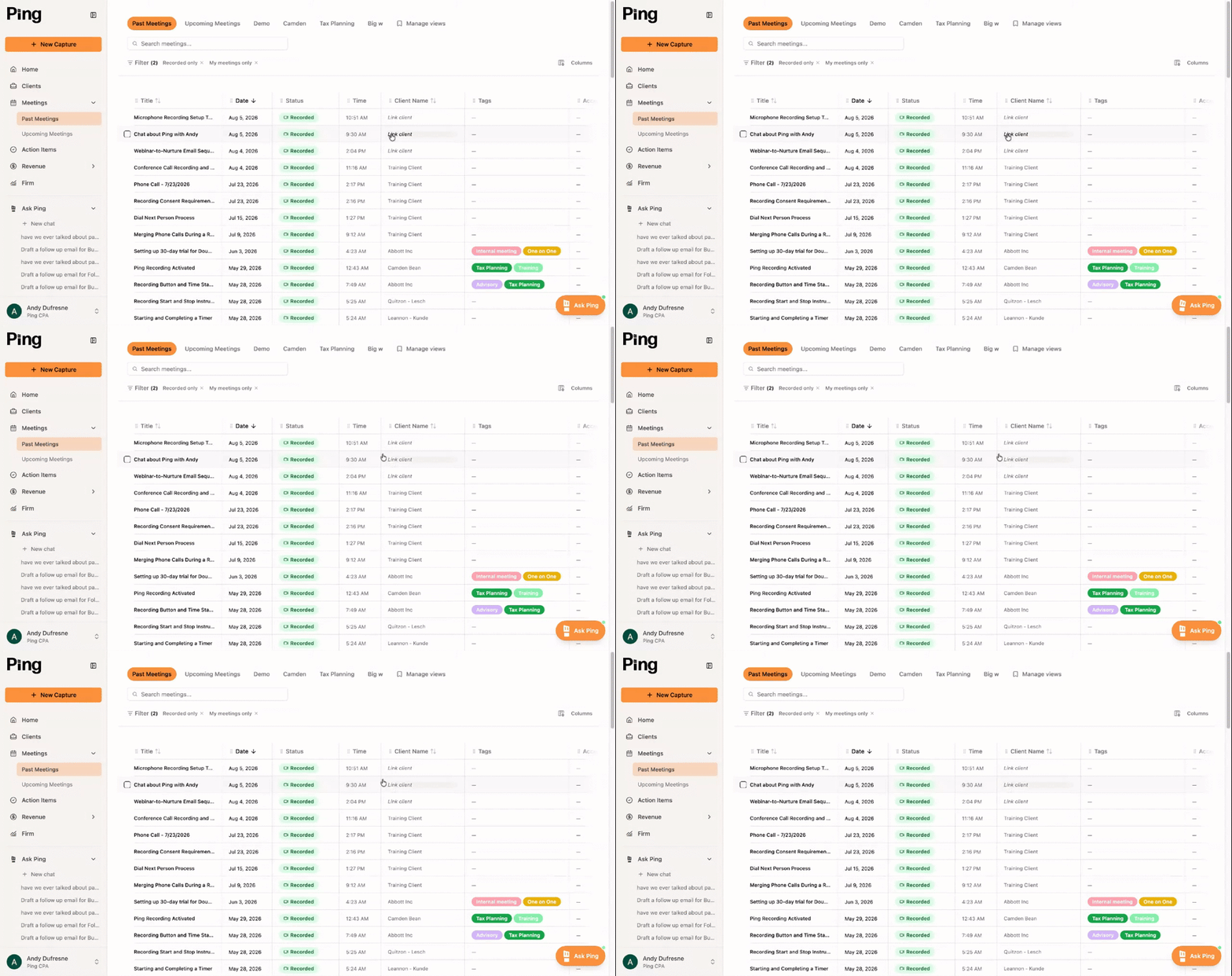
▶ 3:40 Meetings 101 Course Notes, sync, and analytics for every meeting. ▶ 1:09 New Capture ▶ 0:47 Upcoming Meetings Managing upcoming meetings and note-taker settings ▶ Ask Ping - Meetings Using Ask Ping after a meeting ▶ Meeting tags Organizing meetings with custom tags and views ▶ 0:50 Reviewing Past Meetings Reviewing past meetings and drafting follow-ups ▶ 0:46 Meetings page overview - redflags Fixing unlinked client meetings in the CRM
Clients

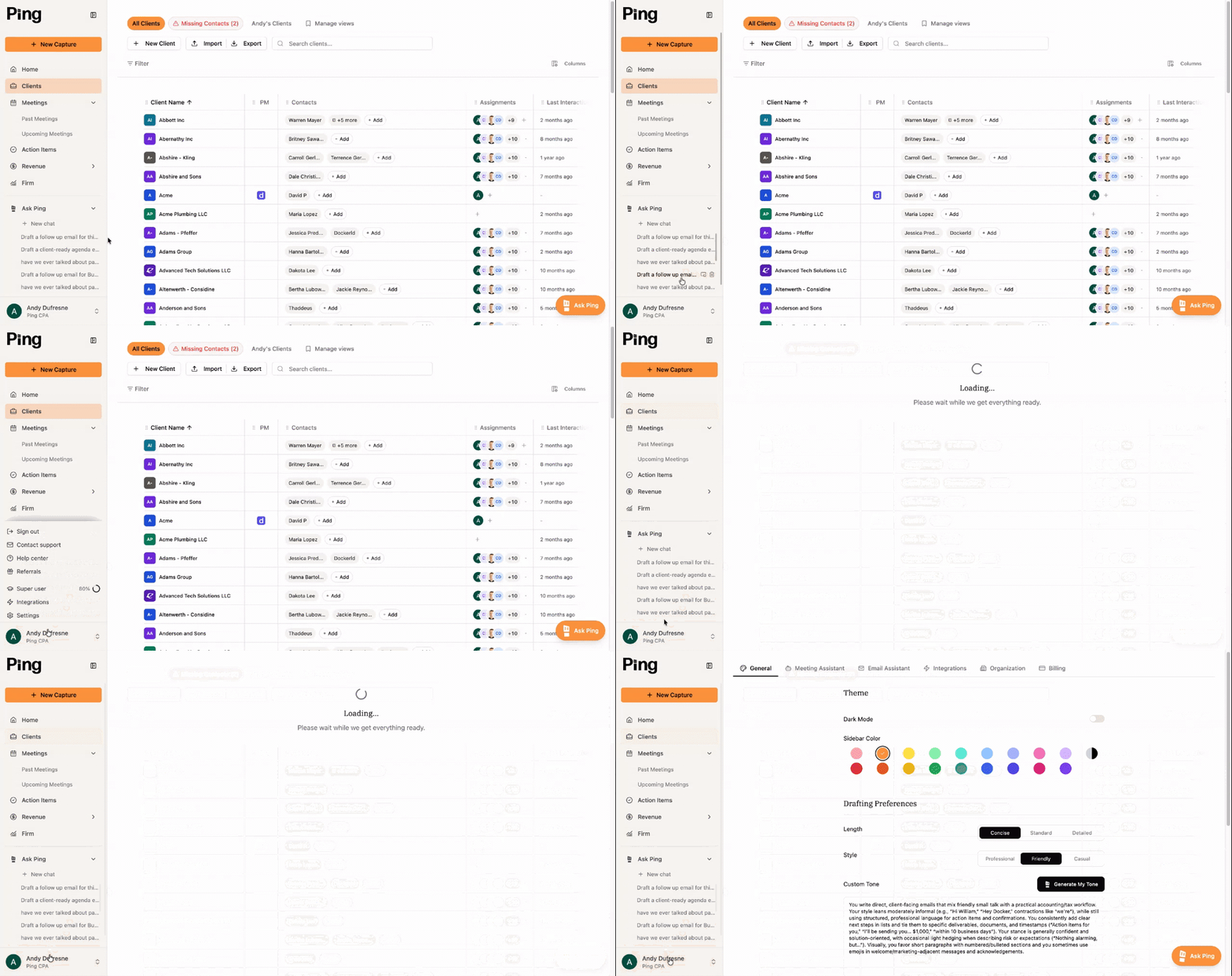
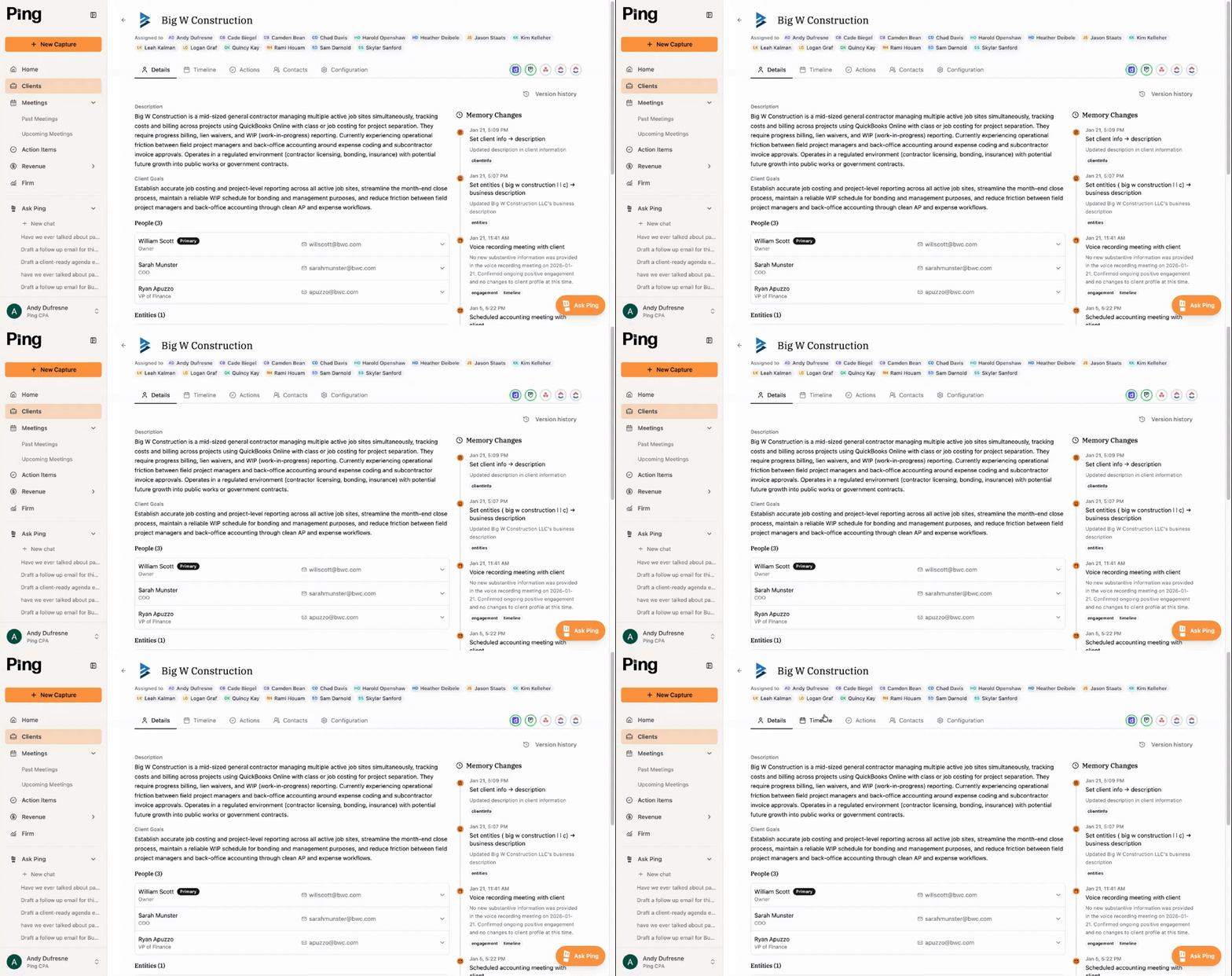
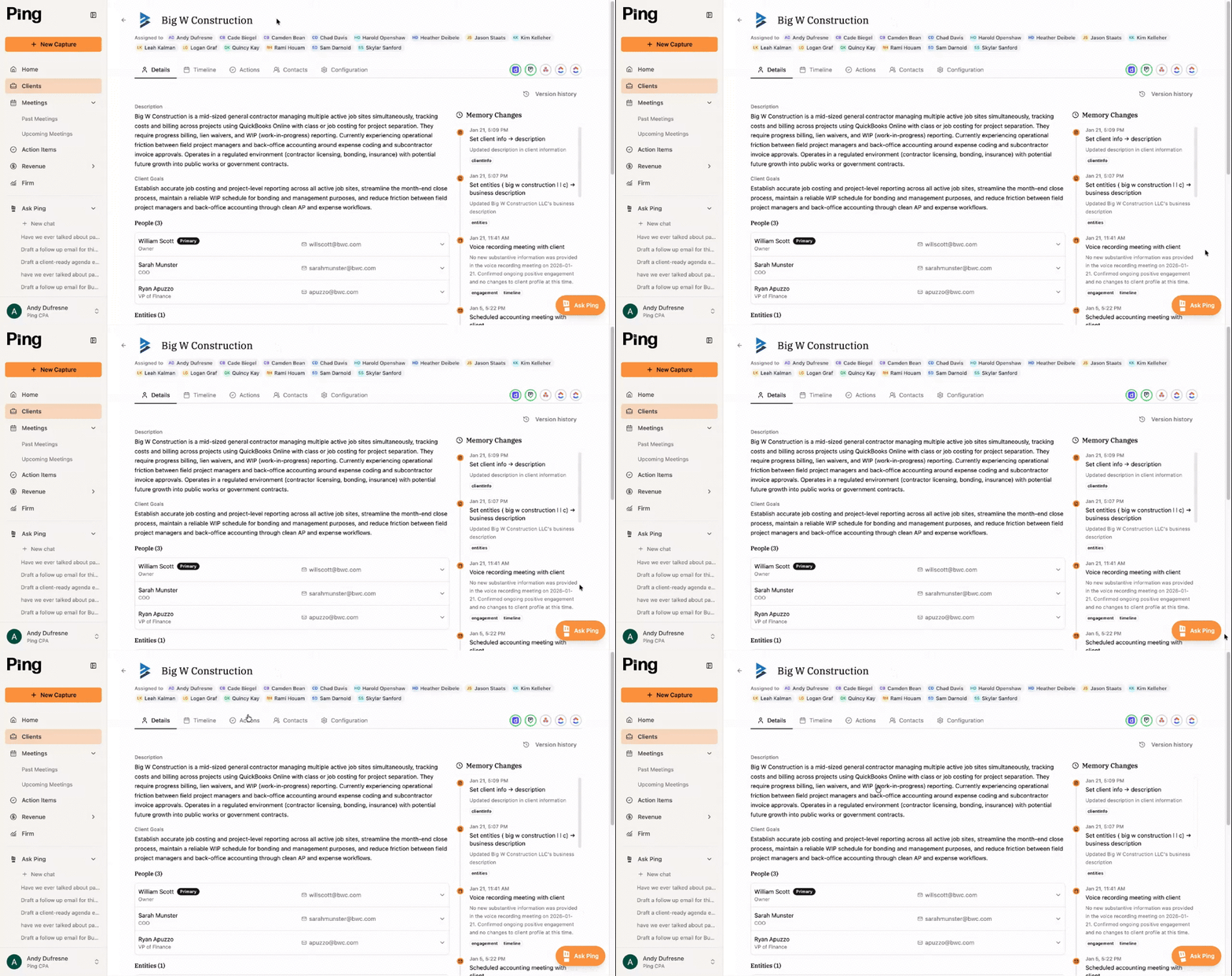
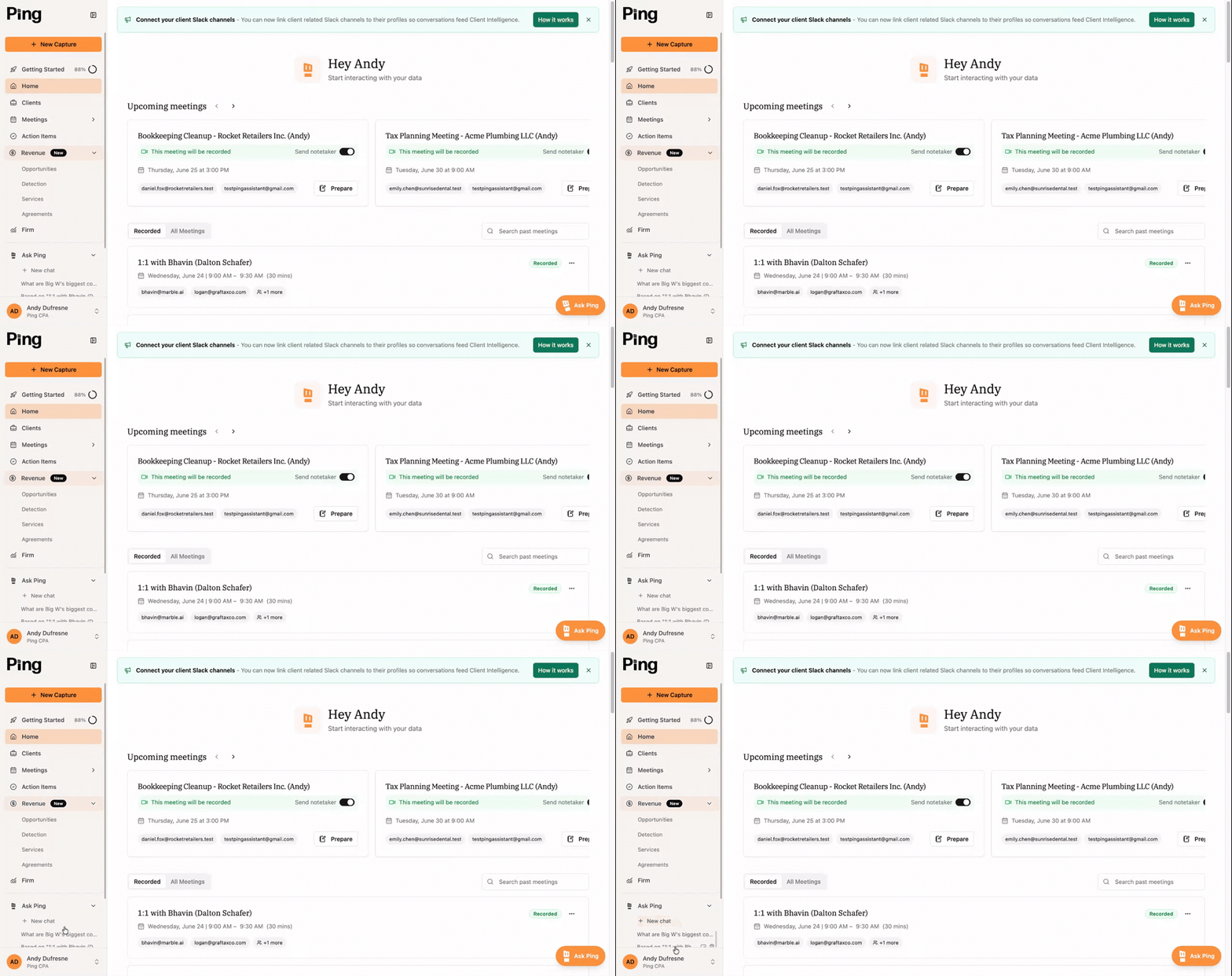
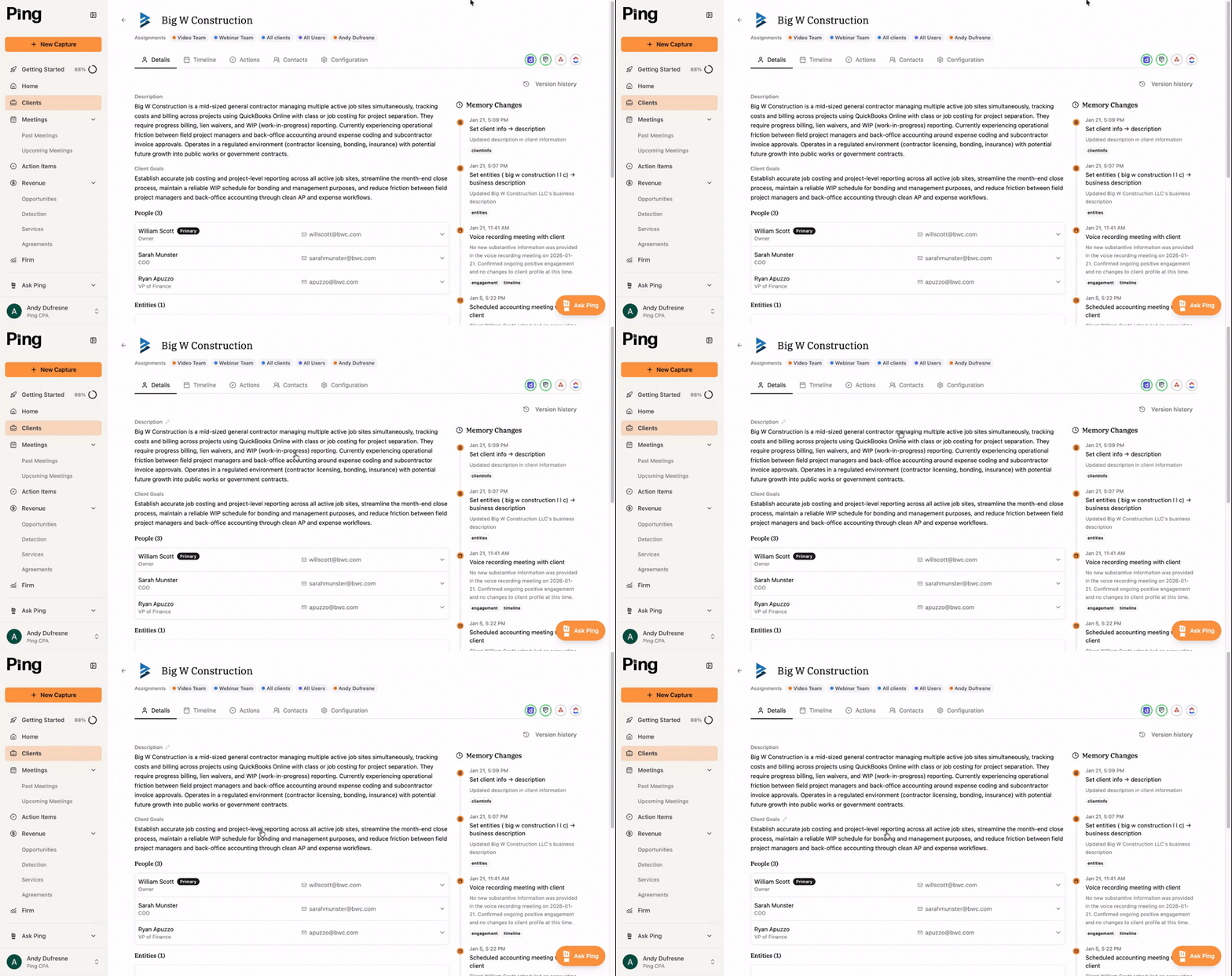
▶ 3:32 Clients 101 Course A crash course on the Clients tab. ▶ 0:41 Importing Clients Importing clients to build client intelligence ▶ 0:47 How Client Intelligence is created - email connection How client intelligence gets created and connected ▶ 0:55 Ask Ping - Clients Using Ask Ping on the client tab

Email Assistant

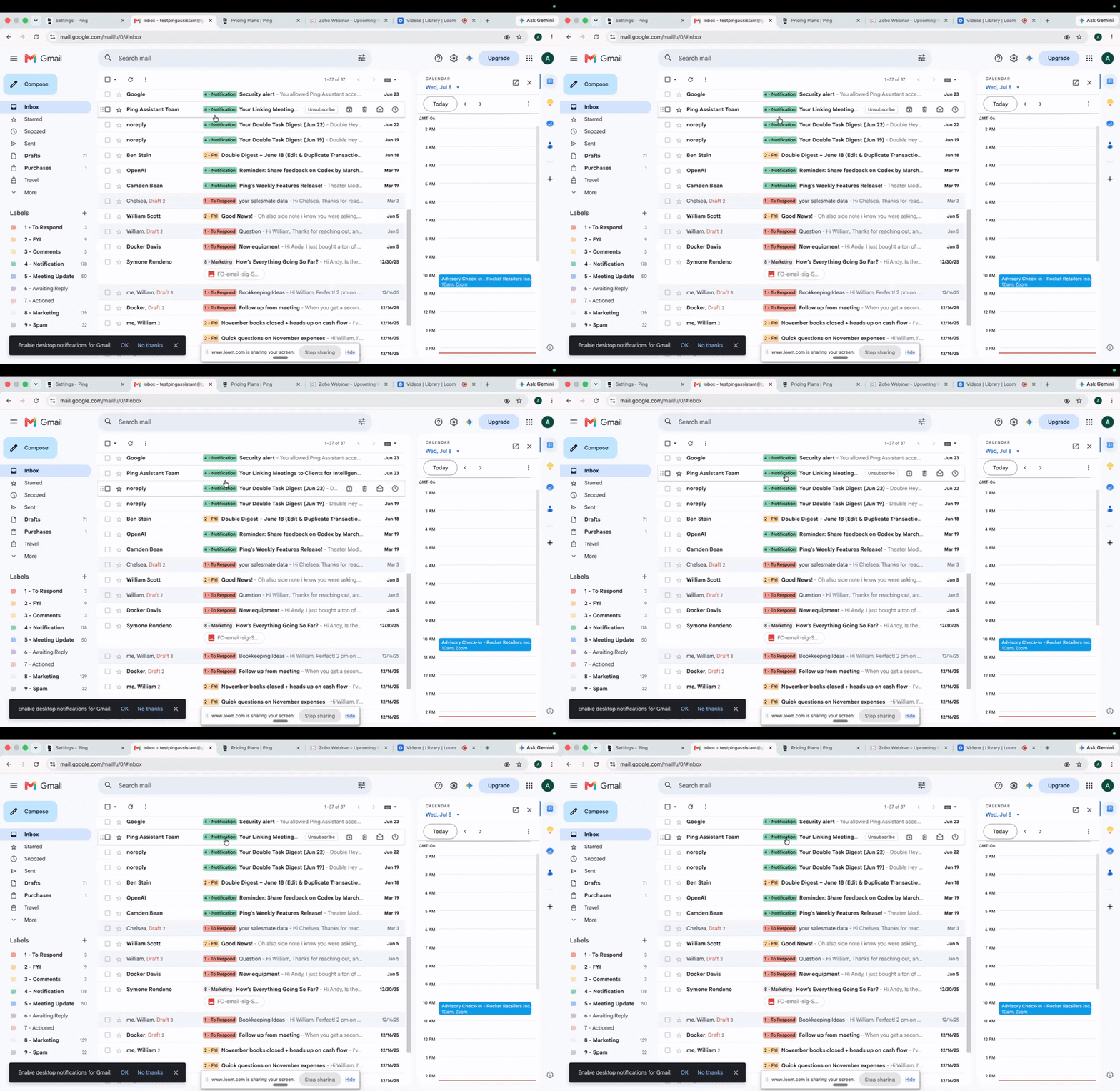
▶ 1:18 Email Assistant 101 Auto-labeling, draft replies, and inbox skips.

Revenue Finder

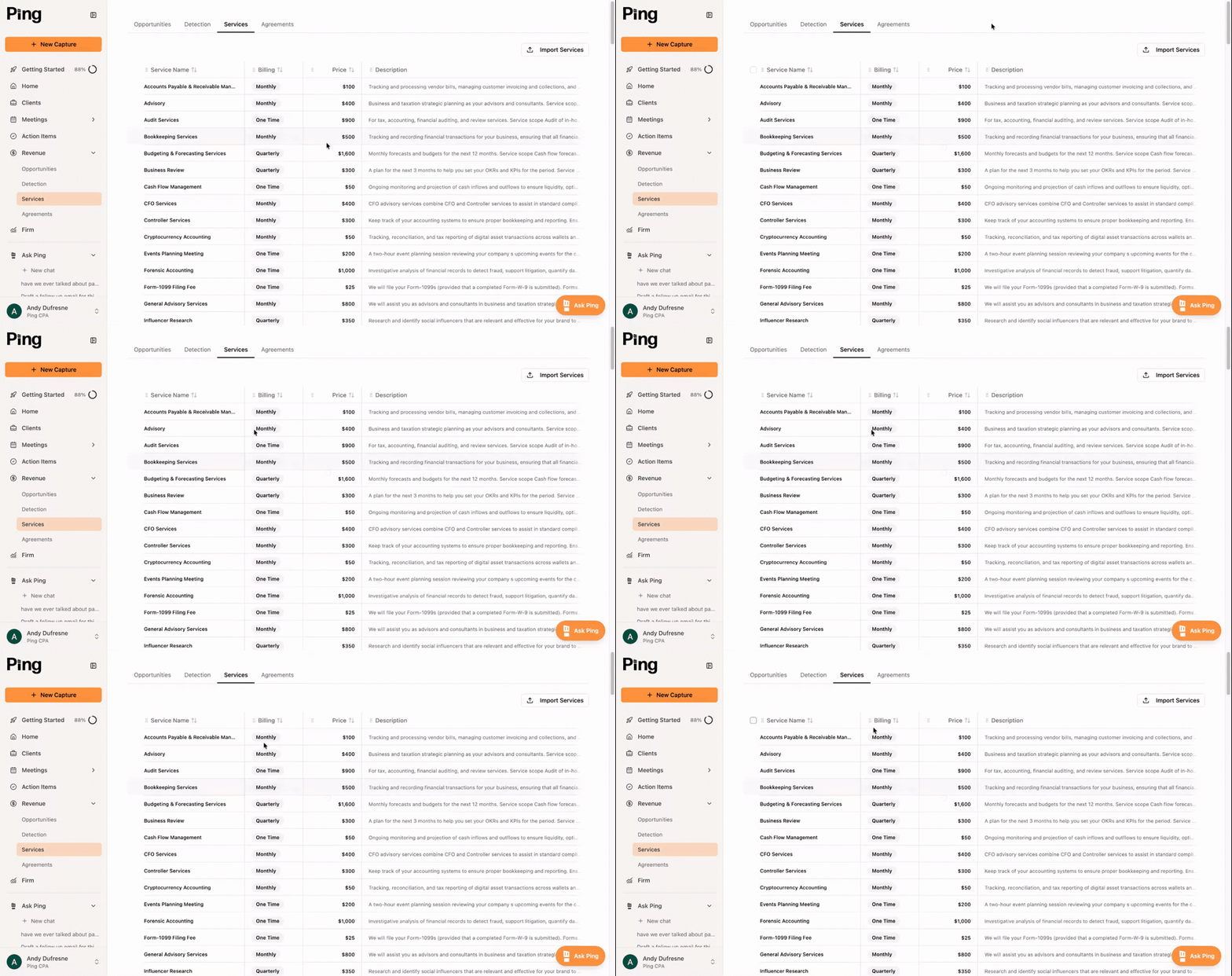
▶ 1:36 Revenue Finder 101 Course Set up Revenue Finder and link your clients.

Frim

▶ 2:19 How to Use AskPing Ask Ping deep dive: query clients, draft, find revenue

Admin Tools

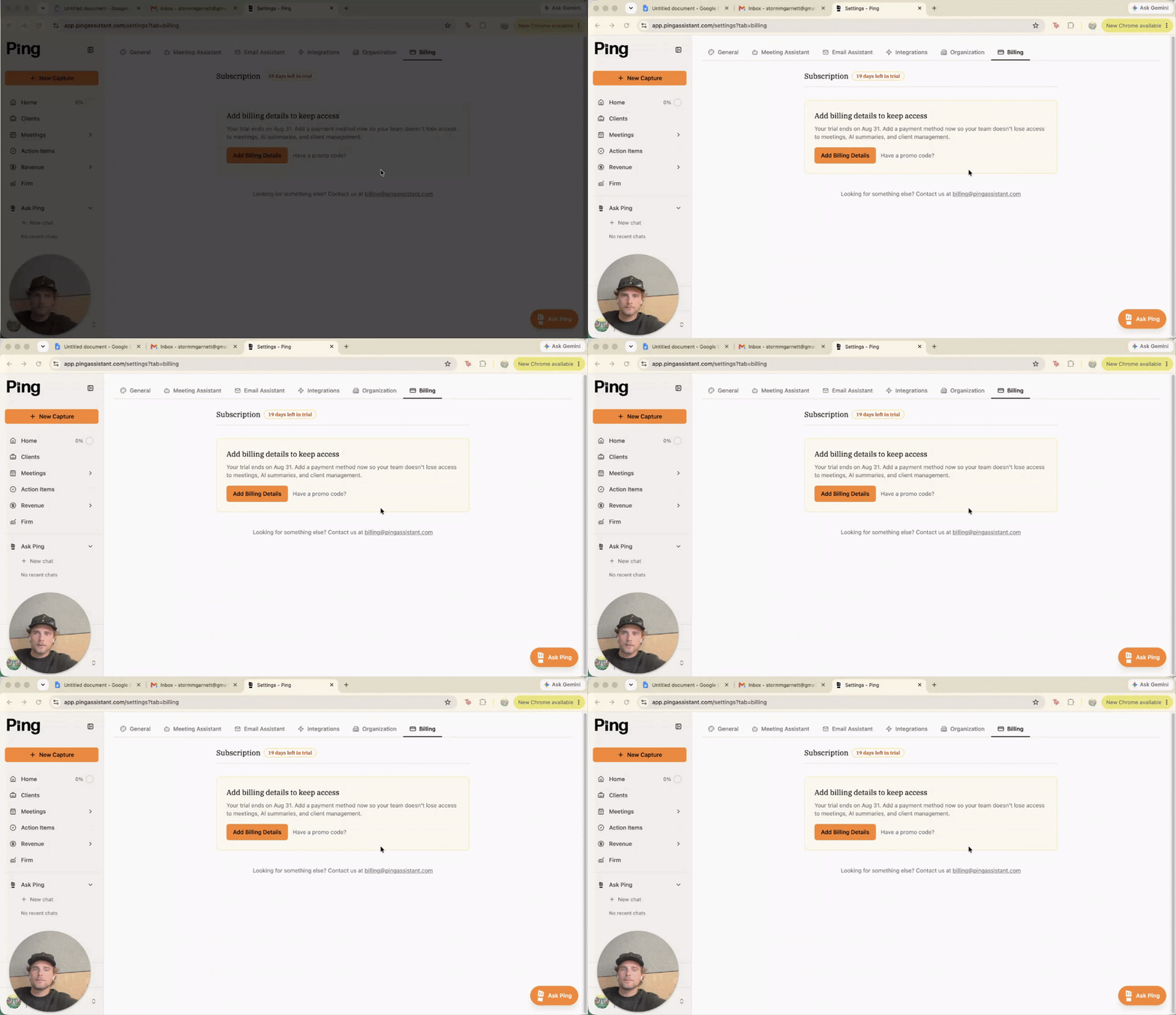
▶ 0:53 Sync Notes and Action Items Syncing action items to practice management tools ▶ 1:25 Connecting Email and Calendar How to connect your email and calendar to Ping ▶ 0:41 Add Billing Details Entering billing details to activate your account
Ping

AI built for advisory-focused accounting firms.


Product

HomeProductPricingBook a demoChangelog

Support

SecurityHelpLive trainingLive show

Company

MerchPrivacy PolicyTerms & Conditionsllms.txt

Content

Compare
Contact us

Ping Assistant. All rights reserved. © 2026

Made in the USA, specifically Utah