
Branding controls how your public booking page looks to the people booking with you: your firm's URL, accent color, theme, and a short intro. It gives every booking page a consistent, professional look.
Where to find branding
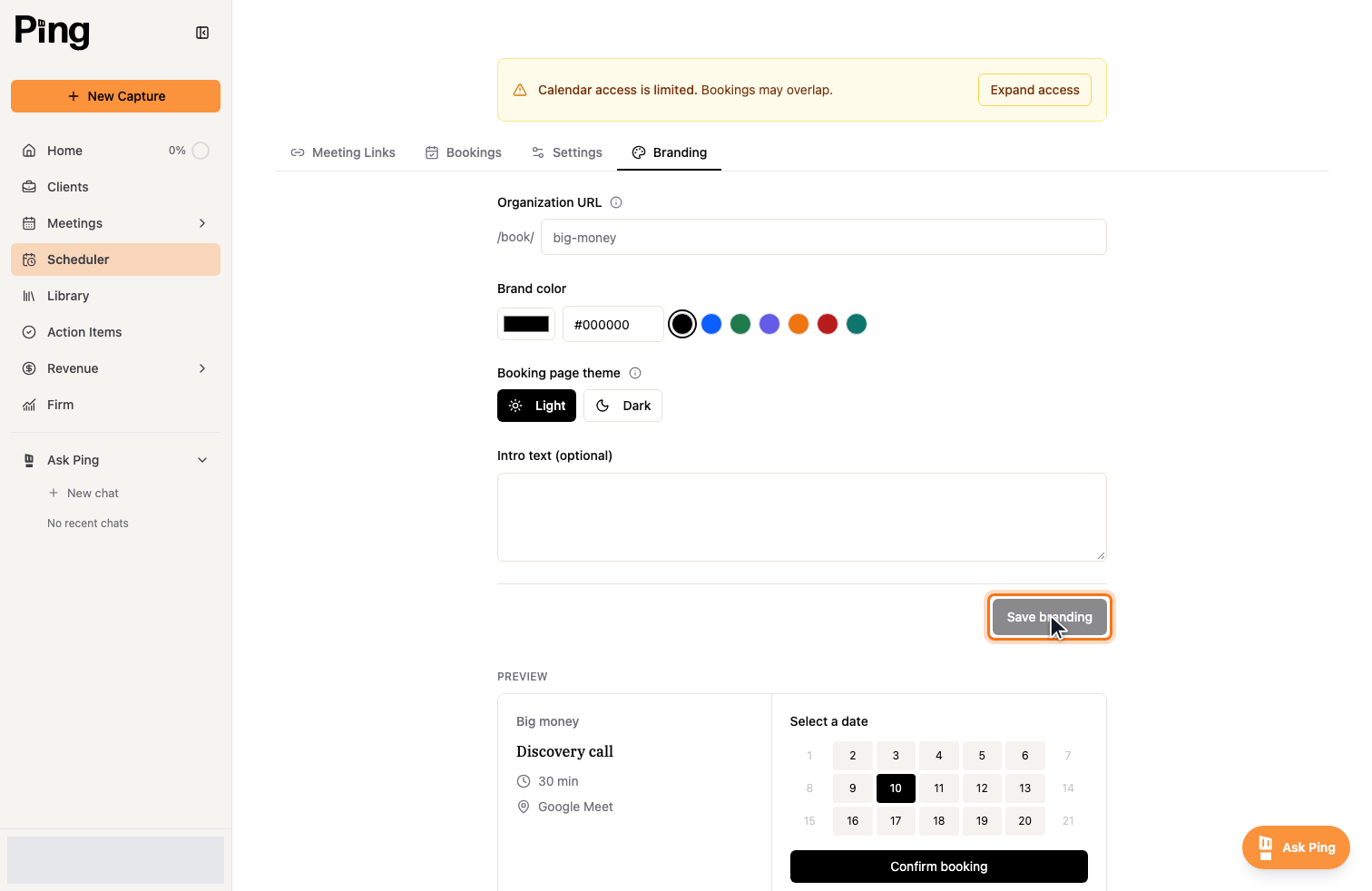
Open the Scheduler, then the Branding tab.
What you can set
- Organization URL is the /book/ address your booking links live under, for example /book/your-firm.
- Brand color sets the accent color on your booking pages. Enter a hex value or pick a preset.
- Booking page theme switches the page between Light and Dark.
- Intro text is an optional message shown at the top of your booking page.
A live Preview shows how the page will look as you make changes. Select Save branding to apply it.
Related articles
- Get Started with the Meeting Scheduler
- Create and manage meeting links