
Each meeting link has a booking form (the questions people answer when they book) and email notifications (the confirmations and reminders that go out). You set both under Additional options on the link.
Add questions to the booking form
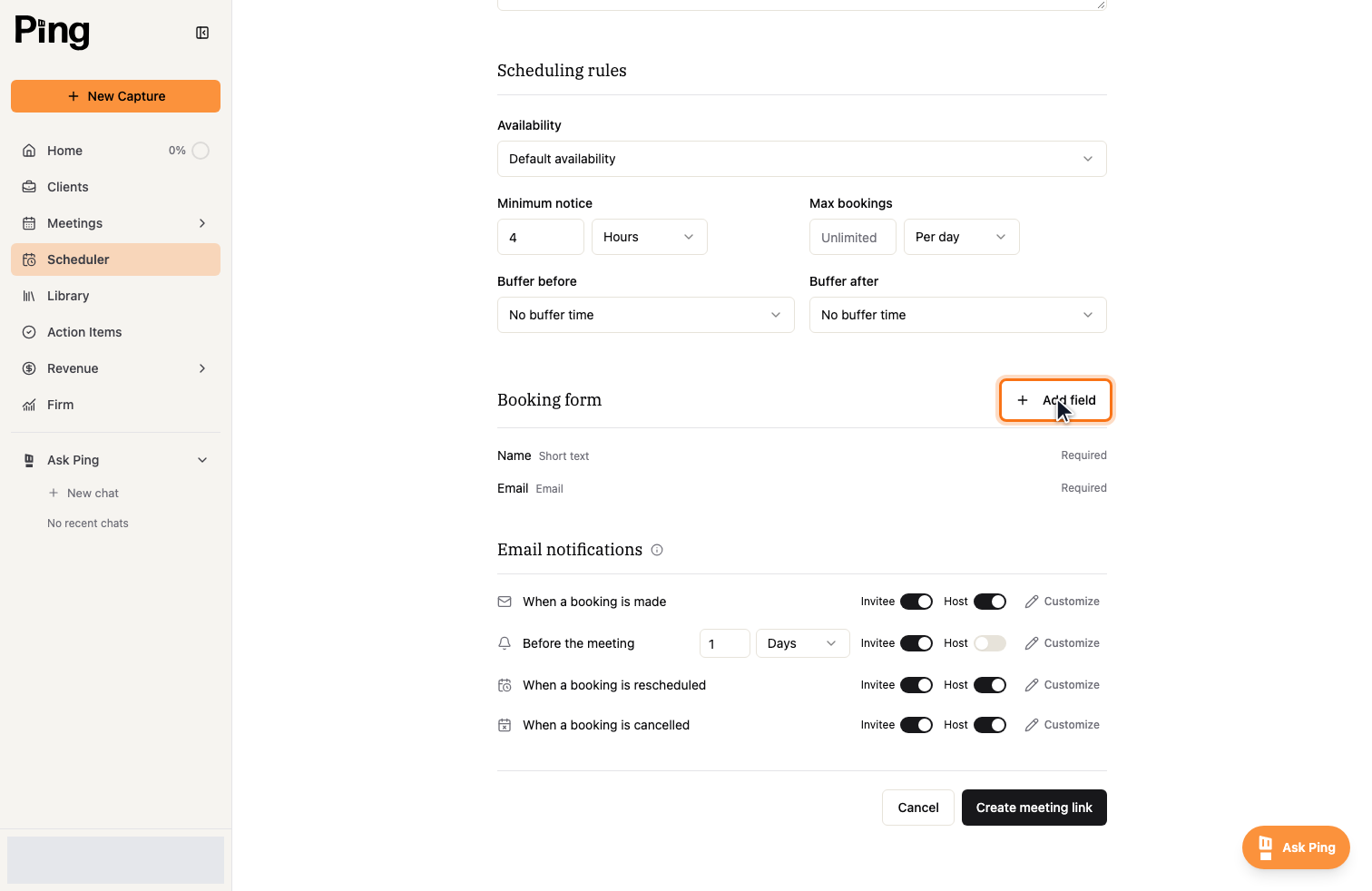
Name and Email are always asked. To collect more, select Add field and choose a question type, such as short text, a phone number, or a dropdown.
Set up notifications and reminders
Under Email notifications, turn notifications on or off for the invitee and the host, for each event:
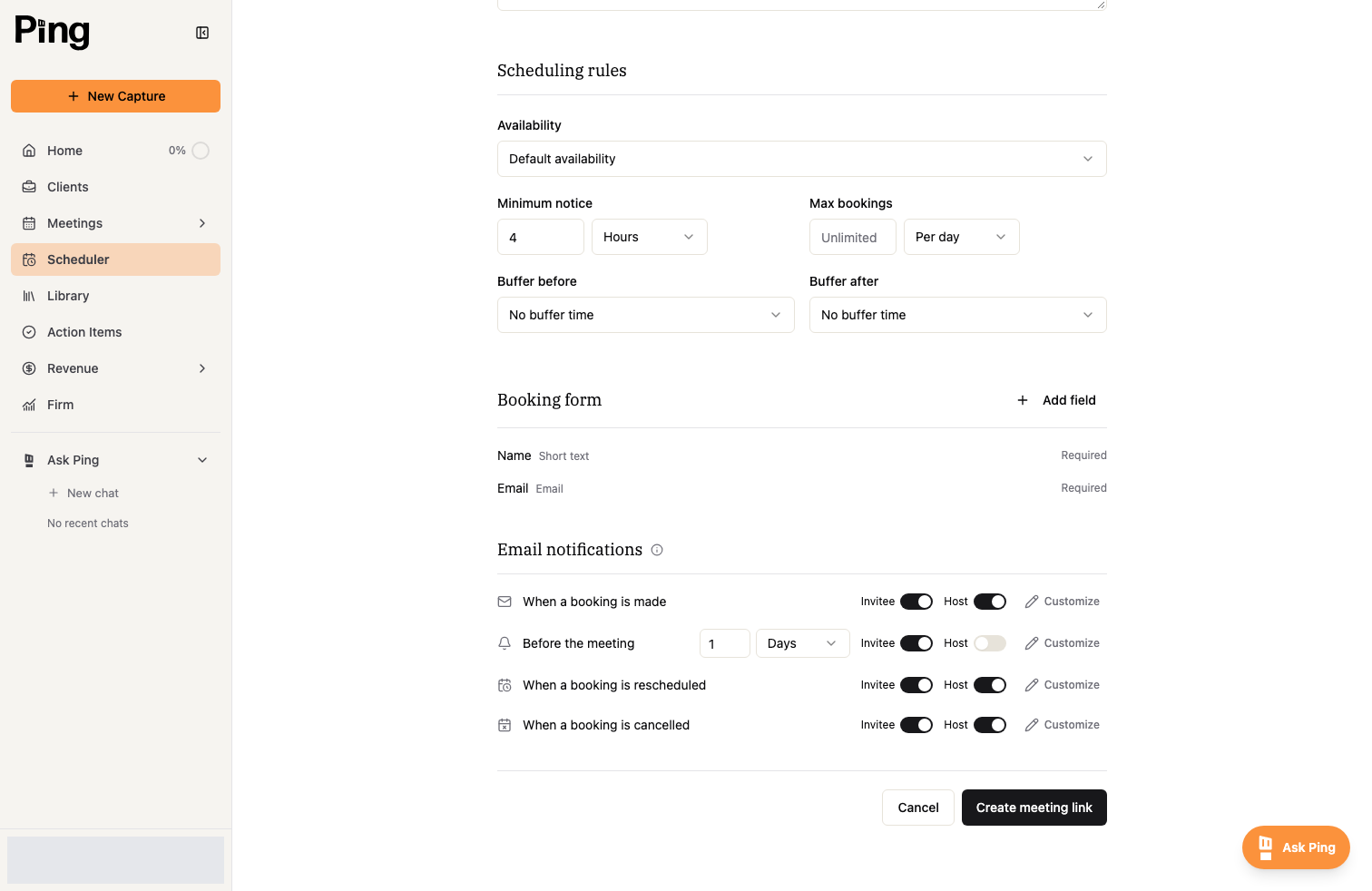
- When a booking is made sends a confirmation.
- Before the meeting sends a reminder. Set how far ahead, for example 1 day.
- When a booking is rescheduled and When a booking is cancelled keep everyone up to date.
Select Customize on any notification to edit its subject and message.
Related articles
- Create and manage meeting links
- Scheduling rules, buffers, and booking limits